Controls in Pip-Boy 3000
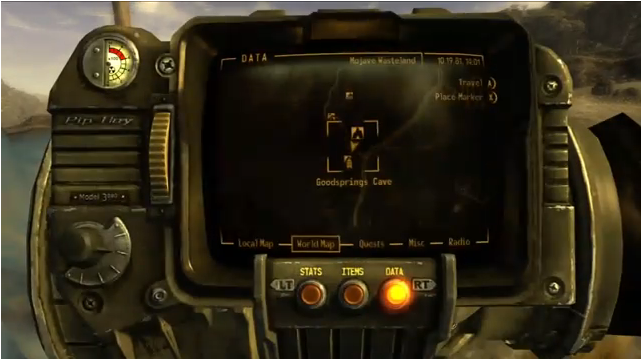
- Tab – Show/Hide Pip-Boy 3000
- Tab (hold) – Turn on/off backlight.
- F1 – Parameters section (stats)
- F2 – Items section
- F3 – Quests, tasks, and information section (data)
- Left mouse button – Put on/Take off/Use things
- Right mouse button – Throw away the selected item
- R – Repair the selected item
Gameplay controls
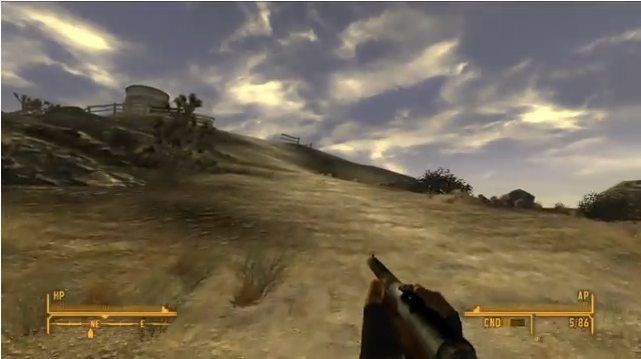
- Mouse – Look/Turn around
- W – Forward
- S – Back
- A – Movement to the left
- D – Move to the right
- Left Shift – Run
- Caps Lock – Run (constantly)
- Q – Auto-motion
- 1 – 8 – Selecting a weapon from the quick access menu
- Left Ctrl – Attack/Shoot
- Z – Pick up/Throw away things
- E – Activation/Action Button
- Tab – Show/Hide Pip-Boy 3000
- Tab (hold) – Turn on/off the backlight
- R – Prepare/Reload/Hide weapon
- Space – Feel like Mario in the game of the same name 🙂
- Left mouse button – Attack/Shoot
- Right mouse button – Sight/Block
- V – Enter VATS mode (only if there is a target nearby)
- F or mouse wheel – Transition between cameras from 1st and 3rd person.
- Mouse roller – Adjusting the camera distance
- Mouse roller (hold) – Mount the camera in the chosen location
- ` – Pause
- T – Wait (24 hours maximum)
VATS Management
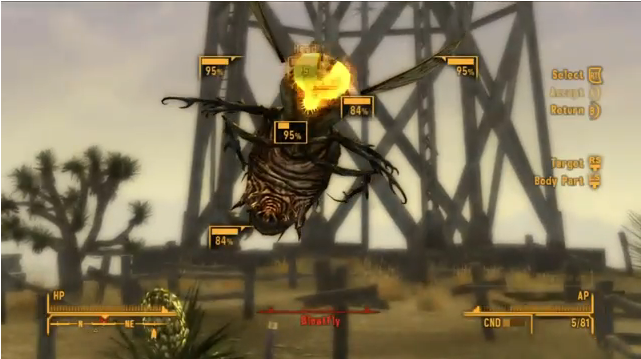
- Left mouse button – Select Target/Select Target Body Part
- Left/Right (arrows) – Transition from one goal to another
- Right mouse button – Exit VATS/Cancel selected actions
- E – Confirm selected actions
- V – Login to VATS