Seasons
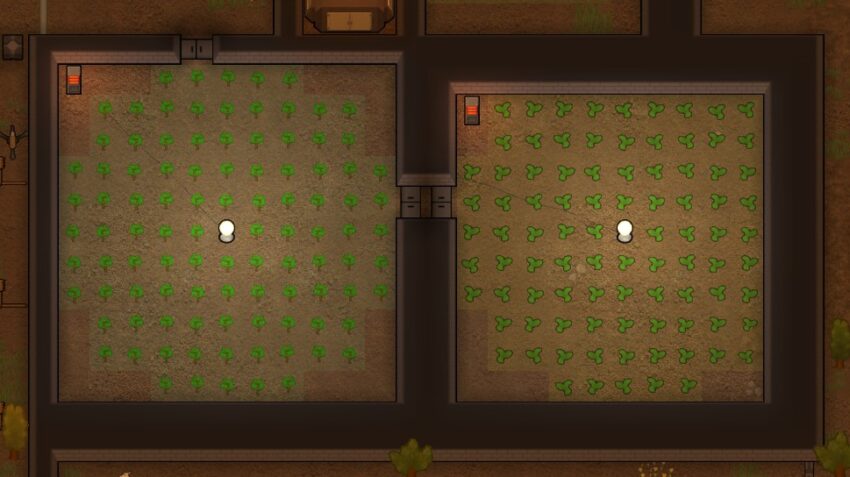
The year is divided into 4 quadrums of 15 days each. Quadrums are the same everywhere, while seasons are different in different places.
Local seasons for each quadrum:
- Aprimay – Spring
- Jugust – Summer
- Septober – Fall
- Decembary – Winter
Average temperature will be different depend where you spawn:
- Temperate Forest – 16C (5-25)
- Desert – 3C (-15-20)
- etc.
Colony information
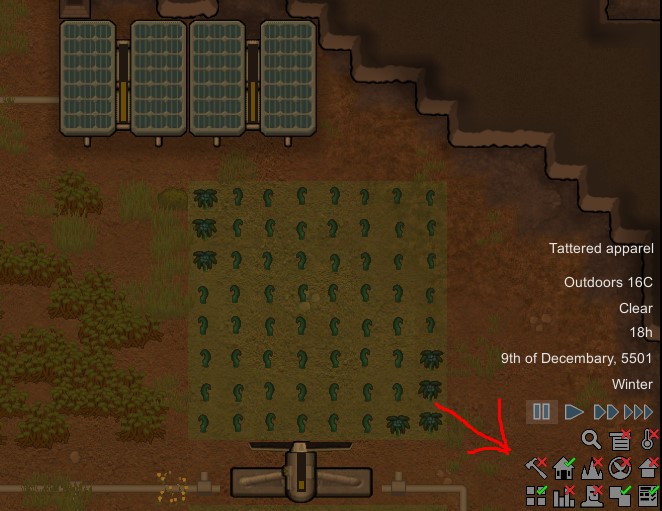
- Toggle categorized mode on the resource readout.
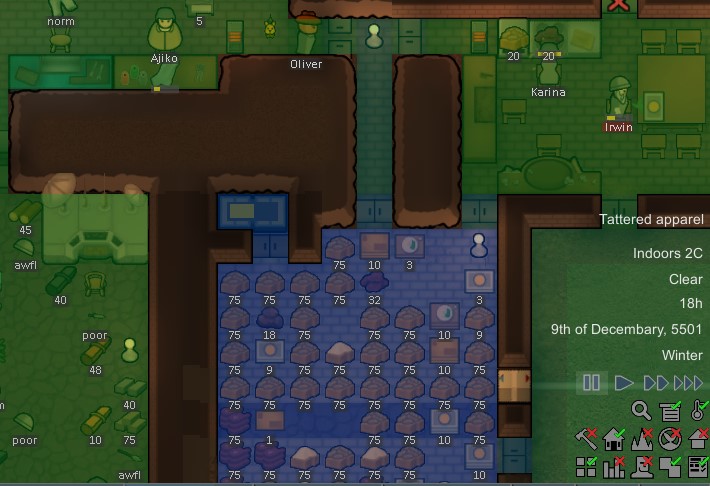
- Toggle heat overlay. This shows the air temperature in each room and outdoors. Colonists will be unhappy if the temperature is too high or too low. Exposure to extreme temperatures can lead to hypothermia, frostbite, heatstroke, burns, and death:
- Toggle automatic rebuild of destroyed structures in the home area.
- Toggle automatically expanding the home area around new constructions.
- Toggle visibility of terrain affordance. This relates to what kinds of building can be constructed at each location. For example, some types of ground only accept light or medium buildings, but not heavy ones. Bridges can only be built on water.
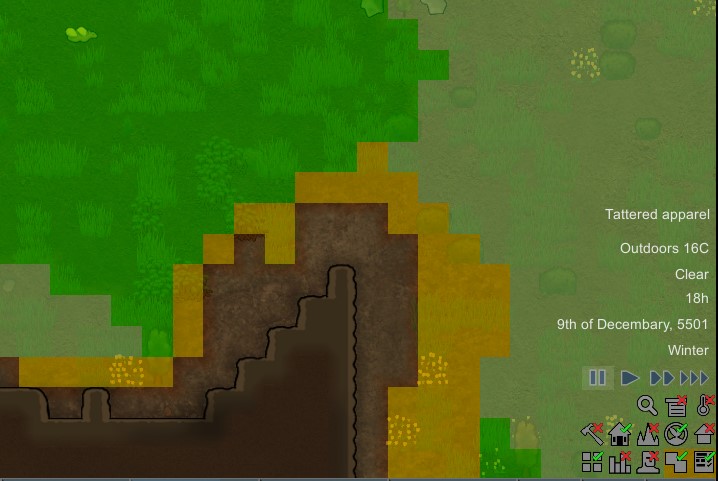
- Toggle fertility overlay. This shows how fertile the ground is, which affects what kinds of plants can grow and how fast they grow:
- Toggle visibility of roofs.
- Toggle colonist bar. Displays icons and basic status for all colonists along the top of the screen. You can reorder the colonists in the colonist bar by right-click and dragging them.
- Toggle room stats display. Displays room stats of the room where the cursor is pointing. Hotkey: G
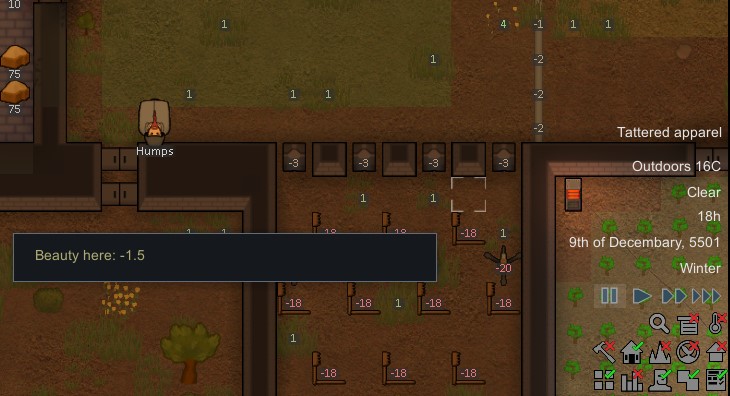
- Toggle the beauty display. Displays the beauty of the world as would be perceived by a character standing where the cursor is pointing. Hotkey: T:
- Toggle visibility of zones.
- Toggle visibility of the learning helper when it is empty. The learning helper is always visible if there is a concept activated to be learned. This toggle makes it disappear when no concept is active.