- Title: Oblivion Lost
- Version: 1.03
- Language: RU / US
- Russian version: 1.03
- Idea: Rainman / Nebesa Games
- Localization: 1C, Fargus, US.
- Year of release: ~02.04.2011
- English language support: available
- Website: Olimp 2207
- Authors/Copyright Holders: Bethesda Softworks
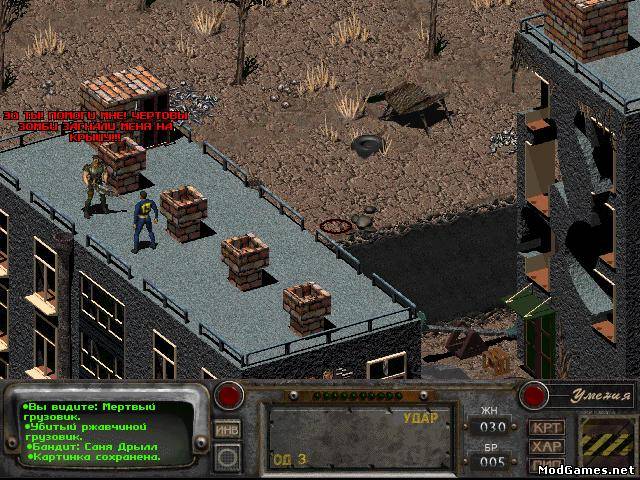
Add-on to Fallout 2. For version 1.02d from 1C. This add-on offers you an alternative passage of the game. You will discover a new territory on the Fallout world map, where you will have to find answers to how the Chernobyl ZONE ended up in a post-apocalyptic world. You will meet old heroes of the game S.T.A.L.K.E.R., new monsters, new locations.
New:
- more than 500 new arts.
- more than 20 quests.
- 40 new cards, comprising 13 new locations.
- 124 new items and 18 old ones changed.
- The weapon balance has been revised, some weapon characteristics have been changed.
- around 150 new hand-modeled scenario items.
- 4 new videos.
- a couple of new monsters.
- anomalies and artifacts.
- a new partner who is involved in a small quest.
- several ending options.
- Fallout 2’s main plot has been changed and much more.
Installation method:
- Install Fallout 2
- Install the mod, follow the installer instructions.
- Installation occurs in a subfolder and does not overwrite the original!
- i.e. if the path is C:GamesFallout 2, then the installation takes place in ..Fallout 2<MOD>).
- To install to the game folder, change the path and select “In the game folder”.
Source: nuclear-city.com, modgames.net.